
Inventory
Stock orders and receiving
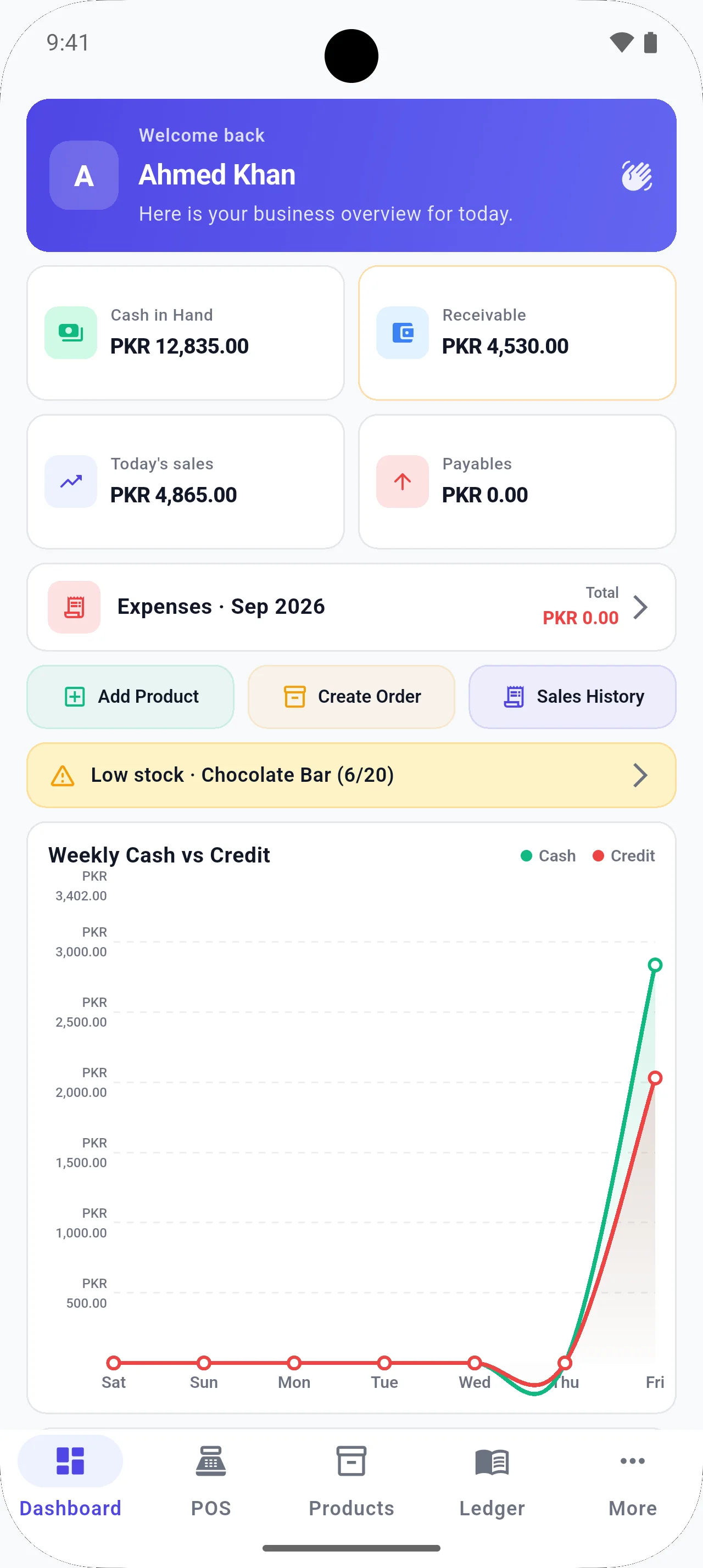
When stock is low, create an order, receive it, and let inventory update instead of editing quantities twice.
The problem
Shops either forget to reorder until a shelf is empty, or they update Excel after the delivery leaves and the numbers never match the rack.
How BezPOS helps
BezPOS supports low-stock handling, stock orders, purchase/order receiving, and automatic stock updates after receiving.
What you can do
- Low-stock management
- Create a stock order
- Receive the order
- Inventory updates after receiving
- Out-of-stock visibility
Related features
Related solutions
Related guides
FAQ
Stock Management questions
Can I manage low-stock products?
Yes. BezPOS includes low-stock management so you can see items that need replenishing.
Can I create stock orders?
Yes. You can create a stock order from the inventory workflow when items need to be purchased.
How does stock receiving work?
After you receive stock against an order, BezPOS updates inventory automatically so you do not have to enter the same quantities again as a separate stock adjustment.
Does ordering require internet?
Stock orders and receiving are part of the local inventory workflow on the device. Everyday use does not depend on a live cloud connection.
Get started
Run your business with BezPOS.
Put billing, stock, ledgers, and expenses on the device you already use at the counter.