Hardware
Barcode and QR scanning at the counter
Scan with a dedicated barcode scanner, or use the Android camera when extra hardware is not available — faster bills with fewer typing mistakes.
The problem
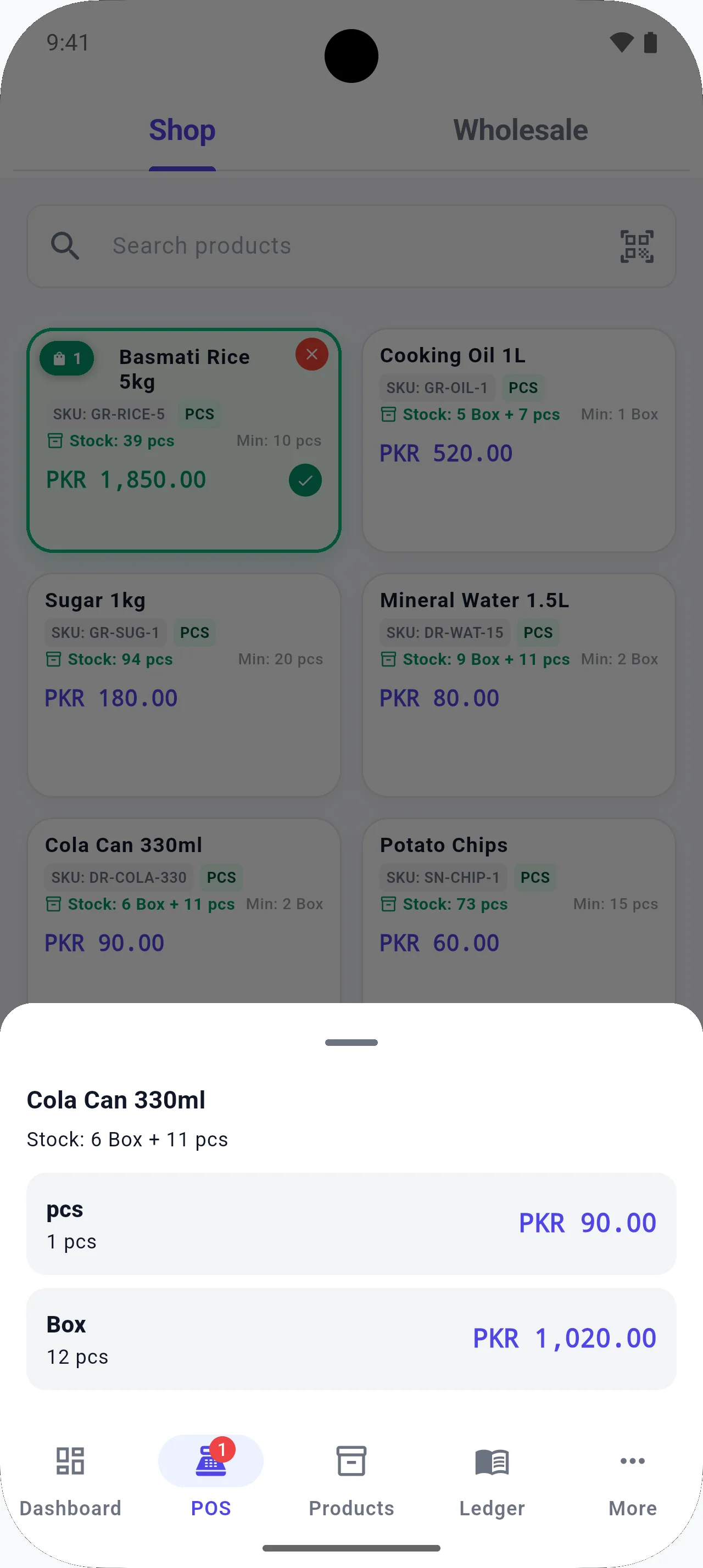
Typing every SKU slows the queue and invites mistakes, especially in grocery, auto parts, and electronics shops.
How BezPOS helps
BezPOS can take product codes from a scanner or from the phone camera. Compatible hardware depends on the device and how the scanner or printer connects.
What you can do
- External barcode scanner support
- Mobile camera scanning on Android
- QR as well as barcode workflows where used
- Faster billing than manual code entry
- Useful when a shop is not ready to buy a scanner yet
Related features
Related solutions
Related guides
FAQ
Barcode Scanning questions
Can I use a barcode scanner?
Yes. BezPOS supports external barcode scanners. Compatibility depends on the device and connection type, such as USB or the interface your scanner uses.
Can I scan with my phone camera?
Yes, on supported Android devices. Camera scanning is meant for shops that do not have a dedicated scanner at every counter.
Can I connect a printer?
Yes. Receipt printing is supported with compatible printers. Exact models depend on the device and connection.
Do I need internet to scan?
No. Scanning looks up products from the local catalog on the device, so barcode billing works offline.
Get started
Run your business with BezPOS.
Put billing, stock, ledgers, and expenses on the device you already use at the counter.