Sales
Offline POS billing that keeps the counter moving
BezPOS is built so billing continues when Wi-Fi drops. Products, prices, and stock live on the device you are using — ideal for shops across Pakistan where the line does not wait for a router.
The problem
Many billing apps pause the moment the connection drops. A shop cannot wait for a router to come back before the next customer is billed.
How BezPOS helps
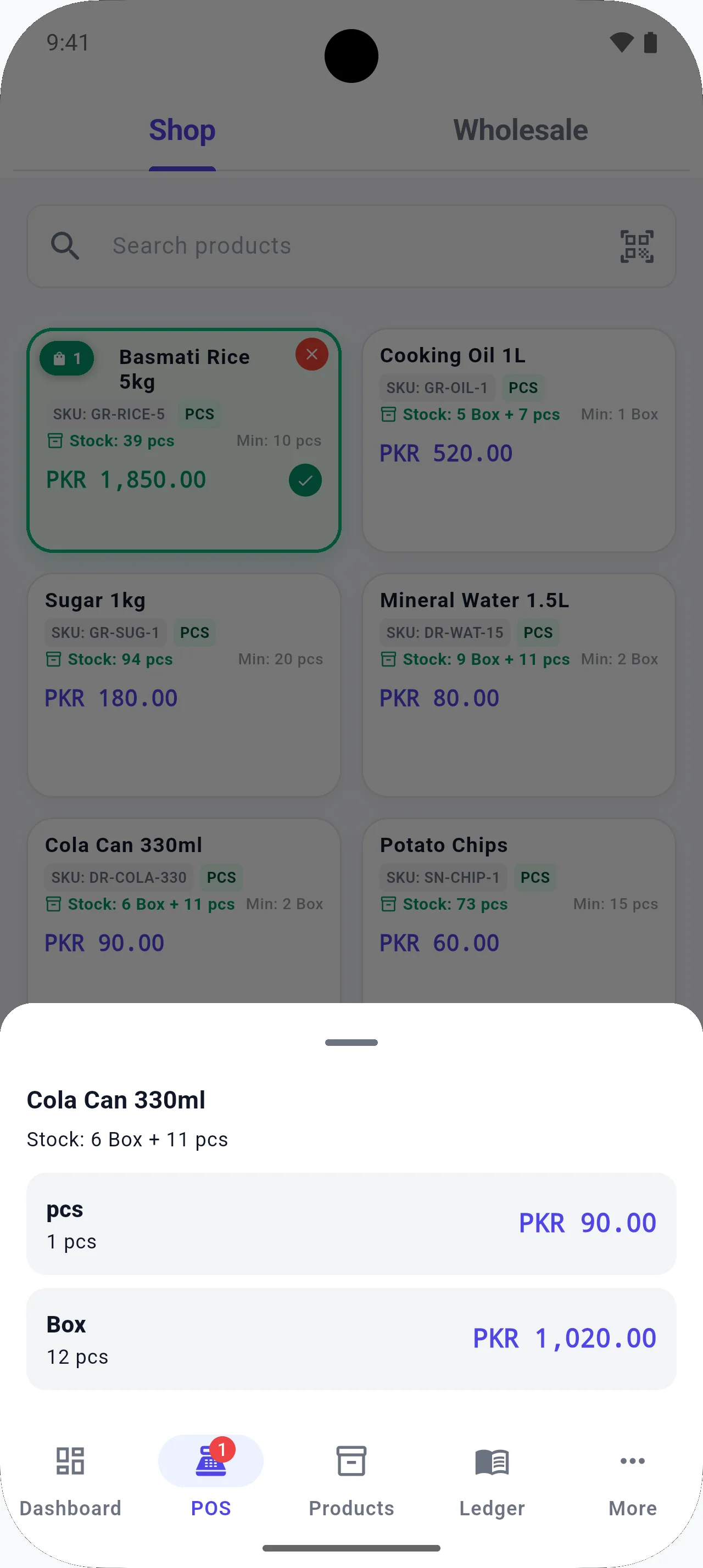
BezPOS stores products, sales, and related records locally. You can sell, hold a bill, resume it, and edit a sale without sending each action to the cloud first. Dukan ka hisab kitab stays on the device you use at the counter.
What you can do
- Fast billing from the local product list
- Barcode scanning and camera scanning on mobile
- Hold orders and resume them later
- Edit a sale when a line item needs correcting
- Sell in different units for the same product
- Receipt printing with compatible printers
Related features
Related solutions
Related guides
FAQ
Offline POS questions
Does POS billing need internet?
No. Day-to-day billing is designed to run from local data on the device. Internet is not required to take a sale.
Can I hold a sale and finish it later?
Yes. You can hold an order and resume it instead of cancelling the bill if a customer steps away or an item is still being packed.
Can I edit a sale after it is made?
Yes. Sale editing is available so you can correct quantities, items, or other details when a bill needs changing.
Which devices support offline POS?
BezPOS runs offline-first on Android, Windows, and macOS. Everyday selling uses local data on the device you install.
Get started
Run your business with BezPOS.
Put billing, stock, ledgers, and expenses on the device you already use at the counter.